
Answer the everyday questions
Patients tap or talk: how to book, fees and bulk billing, parking, opening hours. New patients get the form to fill in on their own phone. Languages are set up for each practice, and patients choose on the home screen.
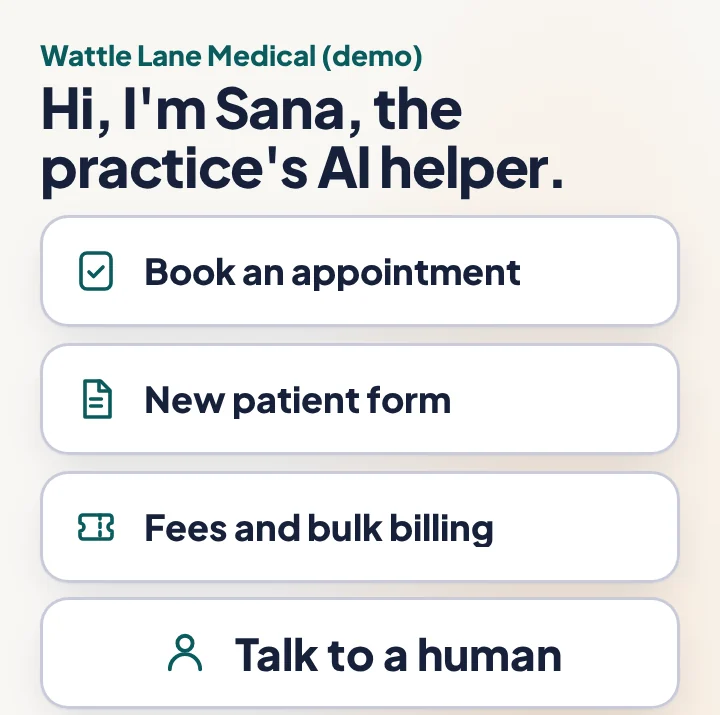
Patients ask Sana, the practice’s AI helper, the everyday questions, start the new-patient form on their phone and ask for a call when the doctor is ready. Reception gets to look after the person in front of them.
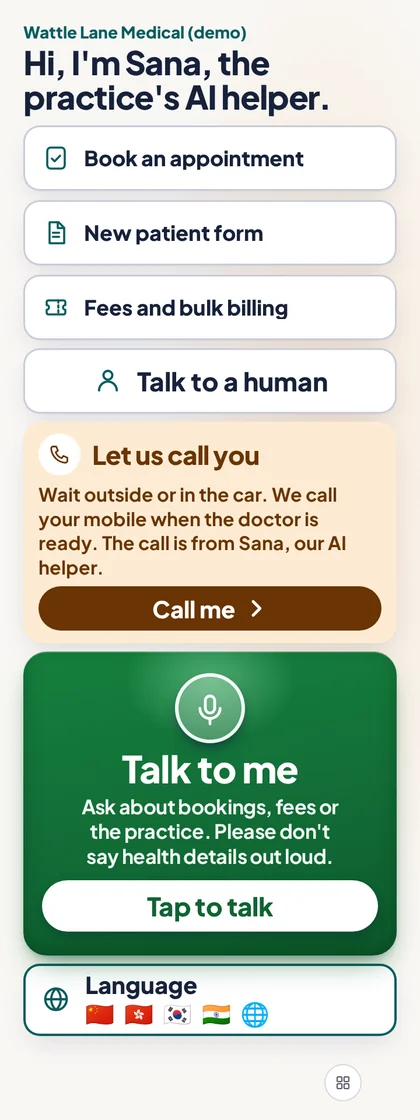
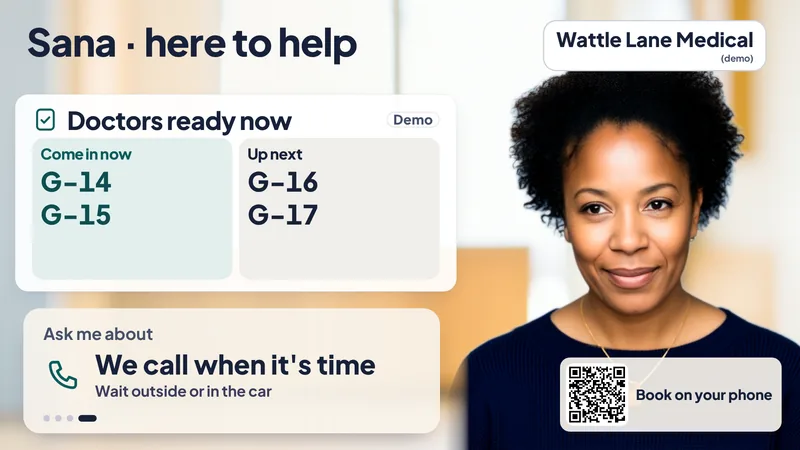
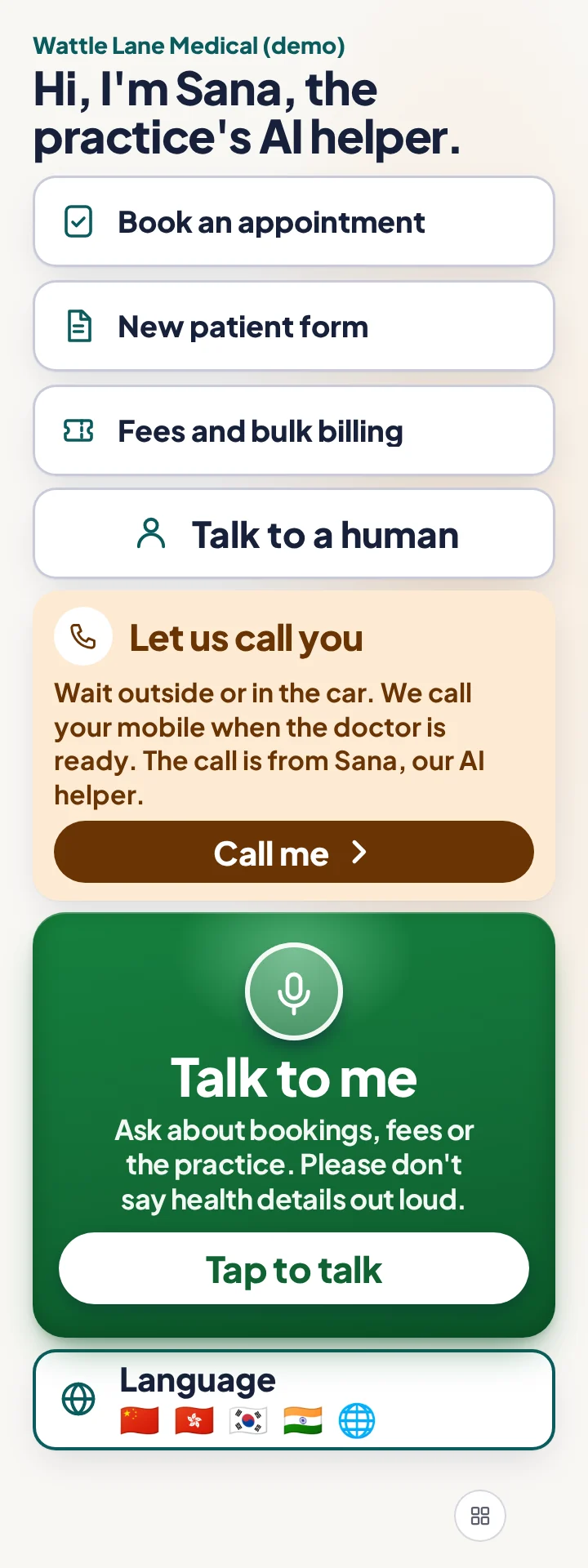
The same kiosk, with the questions and the words set up for your kind of practice.
Every routine question lands on the same person. Bookings, forms, fees, parking and “how long?”, all while the phone rings.
One in four Australians who saw a GP (26%) waited longer than they felt was acceptable for that appointment. The pressure shows up at the front desk first.Source: ABS, Patient Experiences 2024–25
Patients tap or talk: how to book, fees and bulk billing, parking, opening hours. New patients get the form to fill in on their own phone. Languages are set up for each practice, and patients choose on the home screen.
“Let us call you” sits on the home screen. Patients leave a mobile number and can wait outside or in the car. The waiting-room screen shows codes, not names: who can come in now, and who’s up next.
“Talk to a human” is always on the screen. The kiosk doesn’t answer health questions, and asks patients not to say health details out loud. For anything urgent, it tells the patient to go to reception now, or call 000 in an emergency.
G-14.Staff control it from the kiosk with a PIN. In a build, we’d set up the answers with your practice: parking, hours, fees and who to ask, in your words. What a build keeps, who sees it and where it lives go in its spec, agreed before anything goes in.
Supporting people with disability? See the NDIS page.
A short demo, set up as a medical centre.